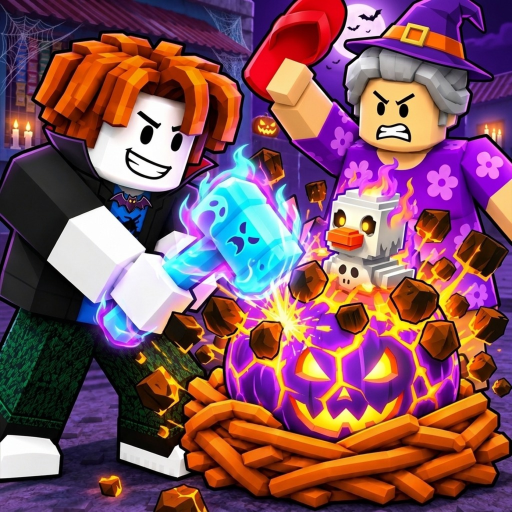
Steal A Balut Mini Admin Abuse: Event and Notification
Quick answer
- The official listing is titled ??? MINI ADMIN ABUSE!!! and provides a Notify Me action.
- Use the Roblox event page for the schedule shown to your account; the captured display reads Wed, Nov 4, 11:00 AM.
Open the official event listing
The Steal A Balut game page lists an event titled ??? MINI ADMIN ABUSE!!!. Use its official Roblox game-page event listing for the invitation and notification control. This is the event associated with the exact experience covered by the wiki, rather than an unrelated Roblox admin event with a similar title.
The captured game-page listing displays Wed, Nov 4, 11:00 AM. Keep that wording in its original scope: it is the schedule visible in the checked page, not a timezone conversion or a promise of how long the event lasts. Open Roblox to see the event schedule presented to your account.
Reported available onUse Notify Me for the event you mean
The listing includes a Notify Me action. Use that Roblox control when you want to follow the event through the platform instead of relying on a remembered time from a search result. Check the title and associated experience before subscribing so you are following the intended event.
An event notification is different from a wiki newsletter or a guarantee that you will receive an item. It is a way to keep the official invitation accessible. This fan wiki does not need your Roblox password, account access or a paid purchase to show you the event link.
Keep event expectations tied to the announcement
The title Mini Admin Abuse tells you which event is being advertised; it does not establish a specific reward list. Do not plan a purchase or a collection route around an item, spawn or code that has not been announced as part of that event. A dramatic title can be interesting without becoming a guarantee of a particular outcome.
If the creator adds more details, read them on the event or experience page. The latest updates guide explains the difference between an event announcement, the game's updated timestamp and a specific patch note. Keeping those apart makes it easier to identify what actually changed.
Prepare a normal collection goal as well
You can prepare for a play session without assuming special event mechanics. Know your own base, choose the equipment you intend to use and decide whether the next outing is for income or an Index entry. These are ordinary collection decisions that remain useful when an event invitation gives only a title and schedule.
The beginner guide covers the first income loop, while the Index guide helps you choose a collection objective. If you already have an earning lineup, review your active pets before spending simply because an event is approaching. A clear goal keeps optional shopping separate from anticipation.
Check codes and community information separately
For reward strings, use the Codes page, which keeps exact listings and dates together. Do not assume the event title is a redeemable code or that every event announcement includes one. If you want the creator's community, use the official group guide rather than joining a similarly named group from an unverified event comment.
Return to the official event page when deciding whether to attend. Its current display and notification control are the useful next steps for scheduling. The wiki can explain the invitation and connect you to ordinary gameplay guides, while Roblox remains the place to follow the event and launch the actual experience.